Intelligent Incident Management
Minimize Business Losses with AI Automation
Works with your existing systems
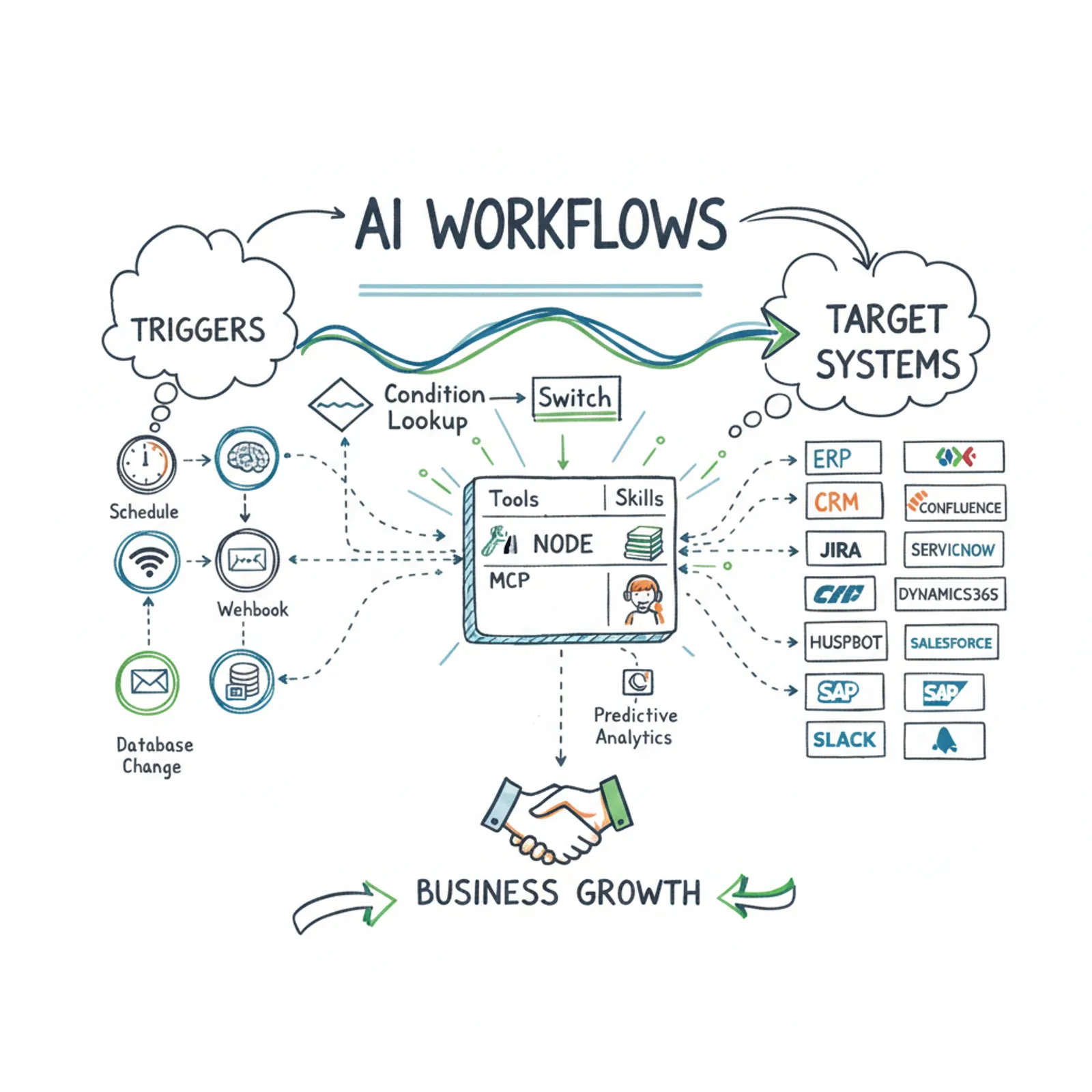
The AI workflow connects your existing software – no need to switch systems
CRM
Salesforce, Microsoft Dynamics, HubSpot – customer data and service history always up to date
Communication channels
Teams, Slack, email – automatic status updates to the right people
Ticketing systems
Jira, ServiceNow, Freshdesk – tickets are created and updated automatically
Documentation
Confluence, SharePoint – incident reports and lessons-learned documents are generated automatically
ERP and logistics
SAP, NetSuite – spare parts status, orders, and field service management from a single point
AI workflow in practice
Concrete business benefits
What changes when incident management is automated?
From minutes to seconds
Response time drops by an average of 80%. The first action starts in seconds, not minutes.
Customer knows what's happening
Automatic updates eliminate uncertainty. The customer gets a status update before they even call.
Experts do the right things
Routine data gathering and logging work disappears. Specialists focus on fixing the issue.
Consistent data quality
All systems update simultaneously. No more missing information or forgotten entries.
Scales without extra resources
A tenfold increase in incident volume requires zero additional hires – AI handles the groundwork.
Fast payback
Typically within 1–3 months the investment pays for itself through reduced downtime and increased efficiency.
Want to see how this would work for you?
Book a free 30-minute assessment – let's explore together where AI automation would bring you the most value